

Take The Clubhouse Casino Lobby into Every Mobile Session
The Clubhouse mobile experience is built around the browser, so your account moves with you without creating a second wallet. Open the secure site on Android or iPhone, sign in and the casino lobby, live tables, Promotions area, loyalty account and cashier remain tied to the same balance. It is a direct route to the full product, not a reduced companion screen.
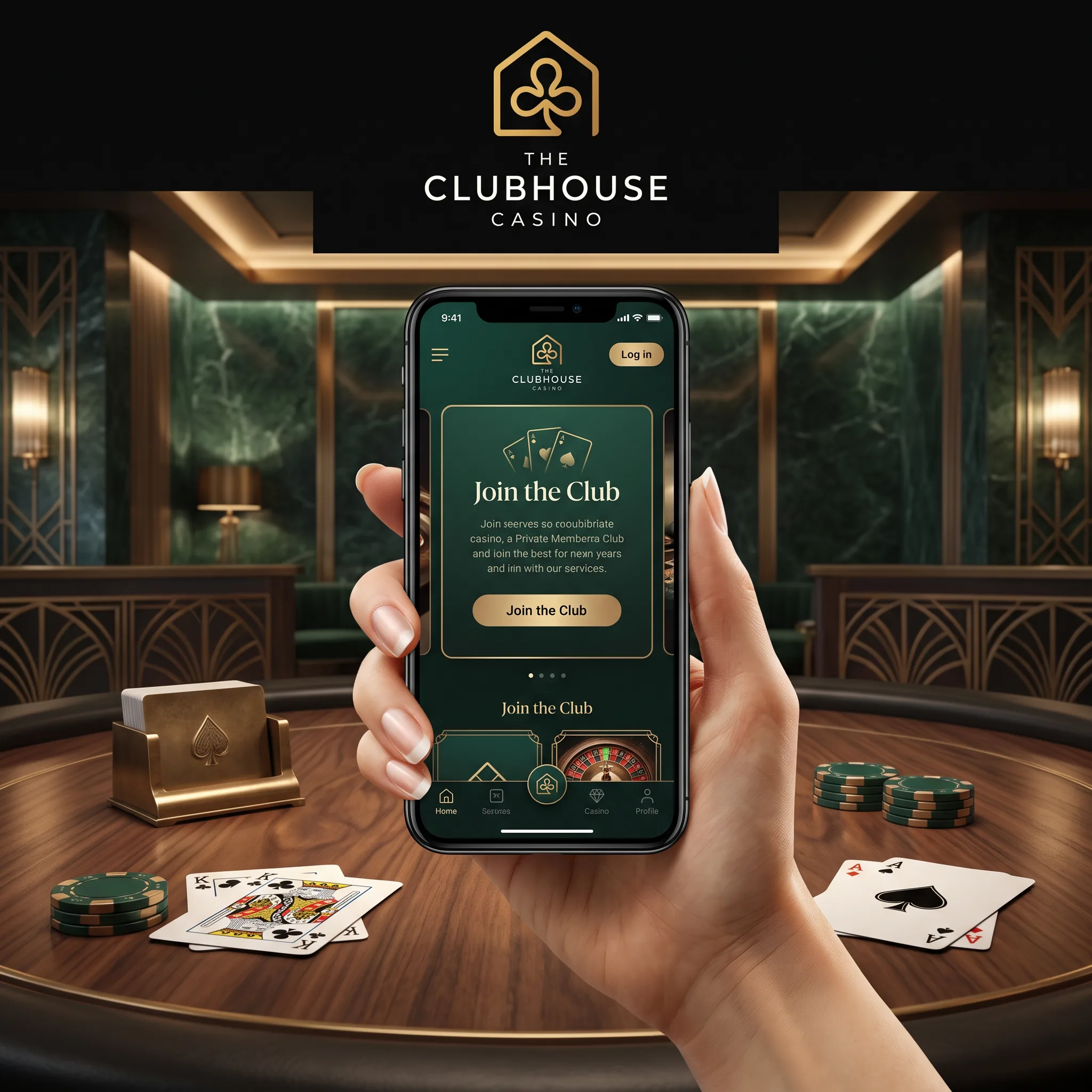
Install an App-Style Shortcut in Seconds
On iPhone, open the site in Safari, use Share and select Add to Home Screen. On Android, open the browser menu and choose Add to Home screen or Install app when that option appears. The icon then opens the secure mobile site from the device home screen.
No separate APK file is required for this route. Keeping access inside the current browser also makes updates automatic.
What Travels with Your Account
| Mobile area | What stays connected |
|---|---|
| Casino | Slot search, categories and favourites |
| Live Casino | Streamed tables and live balance |
| Promotions | Welcome stages and weekly offers |
| Cashier | AUD, cards, e-wallets and crypto |
| Account | Verification, limits and withdrawal status |
Mobile Banking Keeps the Same Rules
Visa, Mastercard, Skrill and supported cryptocurrency options remain available through the cashier according to the account method list. Standard account funding begins from the A$30 equivalent. Deposits are listed as instant for supported methods, while approved withdrawals follow the delivery time of the selected rail.
Complete KYC from a clear phone camera, but check every image before submitting it. Blurred edges, cropped addresses and glare across the ID can delay review.
Use the Phone for Shorter, Better-Controlled Play
Mobile access makes it easy to reopen a game, so session controls matter. Set a fixed time limit, disable unnecessary promotion notifications and avoid playing while distracted. The same deposit, loss and wager limits available on desktop can be managed through the account.
FAQ
Is there a Clubhouse Casino app for Android?
The secure mobile site can be installed as a home-screen shortcut through a supported Android browser.
Can I use The Clubhouse on an iPhone?
Yes. Open the site in Safari and add it to the home screen for app-style access.
Do I need a separate mobile account?
No. The same login, balance, promotions, verification status and responsible gambling controls apply.
Can I claim the welcome offer on mobile?
Yes. Activate the promotion in your account before making the qualifying mobile deposit.
Does the mobile cashier support AUD?
Yes. AUD is supported, while the exact payment options displayed depend on the account and cashier.
Can I upload KYC documents from my phone?
Yes. Use clear, uncropped images of the requested ID, address evidence and payment proof.
Is a third-party APK needed?
No. The browser shortcut provides app-style access without relying on a separately downloaded APK.
Keep Mobile Play Deliberate
Gambling on a phone still involves real-money risk. Decide the deposit and session length before opening the lobby, never chase a loss between short sessions and use cooling-off when the account needs distance.